 AIPort


10 Best AI Writing Tools in 2026: Complete Guide & Comparison
Discover the top 10 AI writing tools of 2026 that are transforming content creation. From blog posts...
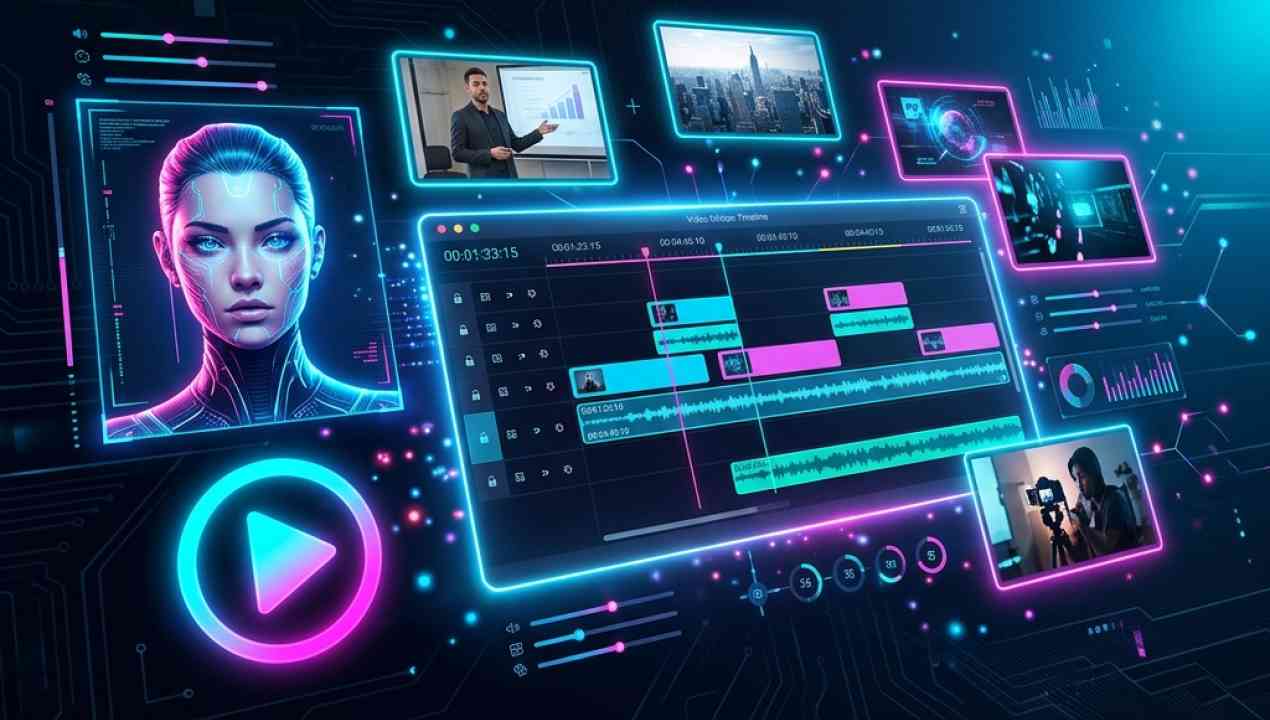
Learn how AI video tools like HeyGen, Synthesia, and CapCut are making professional video production accessible to everyone — no camera, studio, or editing skills required.
Video content dominates the internet in 2026. Yet most businesses and creators still struggle with the complexity of traditional video production. Enter AI video creation tools — platforms that let you create studio-quality videos using nothing but text prompts and AI avatars.
Traditional video production requires cameras, lighting, actors, editors, and hours of post-production work. AI video tools have compressed this entire pipeline into a simple text-to-video workflow. Type your script, choose an avatar, select a template, and your professional video is ready in minutes.
HeyGen AI leads the AI avatar space with over 300 realistic digital avatars that lip-sync perfectly to your script in 40+ languages. The instant avatar cloning feature lets you create a digital twin of yourself that can present videos while you focus on other tasks. Enterprise teams use HeyGen for training videos, product demos, and personalized outreach at scale.
Synthesia 2.0 is the industry standard for enterprise video creation. Used by over 50,000 companies, it offers GDPR-compliant avatar creation, brand kit integration, and collaborative workflows. The 2.0 update introduced gesture control, emotion adjustment, and multi-avatar scenes that make corporate videos actually engaging.
CapCut has transformed from a simple mobile editor to a full AI video suite. Auto-captions, background removal, AI filters, and smart editing suggestions make it the most accessible video tool available. The free tier is incredibly generous, making it perfect for TikTok creators and social media managers.
Vidnoz AI excels at creating multiple personalized videos at once. Upload a spreadsheet of names, companies, and custom messages, and Vidnoz generates individual videos for each recipient. This is a game-changer for sales teams and personalized marketing campaigns.
WonderShare ToMoviee AI takes raw footage and automatically creates polished edits. Smart scene detection, AI color grading, and auto-transitions mean you can go from raw clips to a finished video in minutes. The music matching AI selects background tracks that perfectly complement your content.
Start with CapCut if you are on a budget, HeyGen for professional avatar presentations, or Synthesia for enterprise-scale deployment. The barrier to professional video content has never been lower.
Discover the top 10 AI writing tools of 2026 that are transforming content creation. From blog posts...
We put three leading AI image generators head-to-head. Leonardo AI, Deevid AI, and ByteDance Seedrea...

AI SEO tools are revolutionizing how we create and optimize content. Learn how Semrush Content Toolk...

Stop wasting time on repetitive tasks. These 7 AI productivity tools automate your workflow, organiz...